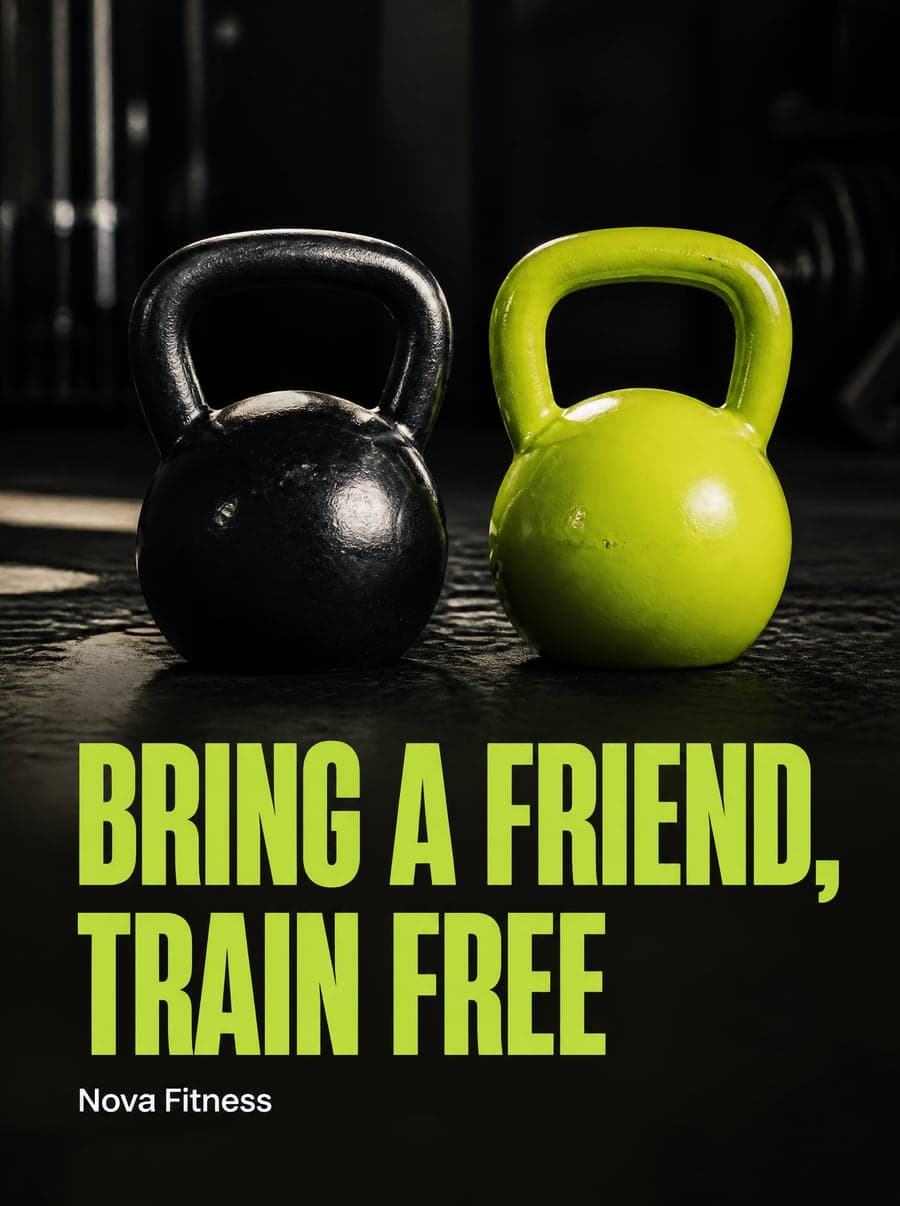
A post that looks perfect on one network can be cropped, shrunk or letterboxed on another. Every network shows images in its own shape, and the safest way to look good everywhere is to make each post at the size that network shows best.
- Feed posts: 1080 × 1350 pixels (4:5) or 1080 × 1440 pixels (3:4). Portrait posts take up more of the screen than square ones.
- Square posts: 1080 × 1080 pixels (1:1).
- Stories and Reels: 1080 × 1920 pixels (9:16).
Keep important text away from the edges, since the profile grid shows a cropped preview.
TikTok
- Videos and photo posts: 1080 × 1920 pixels (9:16).
Leave room at the bottom and on the right, where captions and buttons sit on top of your content.
- Portrait images: 1080 × 1350 pixels (4:5).
- Square images: 1080 × 1080 pixels (1:1).
- Landscape images: 1200 × 627 pixels.
Portrait and square images take up more space in the feed than landscape ones.
- Feed images: 1080 × 1350 pixels (4:5) or 1080 × 1080 pixels (1:1).
- Stories: 1080 × 1920 pixels (9:16).
- Standard pins: 1000 × 1500 pixels (2:3).
Tall pins stand out in the grid, but very long images may be cut off.
X
- Single images: 1600 × 900 pixels (16:9).
Threads
- Images: 1080 × 1350 pixels (4:5) works well in the feed.
YouTube
- Thumbnails: 1280 × 720 pixels (16:9).
- Shorts: 1080 × 1920 pixels (9:16).
One post, many shapes
Resizing a single design for eight networks is tedious, and a crop that works for one shape often ruins another. Hulby designs every post at the size its network shows best, from the start, with a caption written for that network.